Baby Certificates 👣 Baby Footprints & Keepsakes

Baby Footprints Certificate & Newborn Keepsake Templates

A baby footprints certificate captures the tiniest details of a newborn's arrival — tiny feet, a name, a date, a weight — in a frameable keepsake that families treasure for life. Our editable templates are free to customize online: add your baby's name, date of birth, birth weight and length, hospital or home name, and any personal message. Download a print-ready 300 DPI PDF, PNG, or JPG instantly. Each certificate can include an optional QR verification code so this newborn record becomes a permanent, shareable digital keepsake your family can access from anywhere in the world.

Our baby footprints templates work for hospital births, home births, and special-care newborns alike. They make beautiful gifts for a baby shower, a maternity ward keepsake, or a nursery wall print. All text is fully editable — change the name, date, and any wording to match your family's own tradition.

👣
Baby Footprints & Keepsakes Certificates
Free to edit · QR verifiable · 300 DPI

5+
Templates
🔗 QR
Verifiable
Free
to Edit
⭐⭐⭐⭐⭐
5-Star Rated
🔗 QR Code
Optional Verification
Free
To Edit Online
300 DPI
Print-Ready PDF
Instant
Download

What Is a Baby Footprints Certificate?

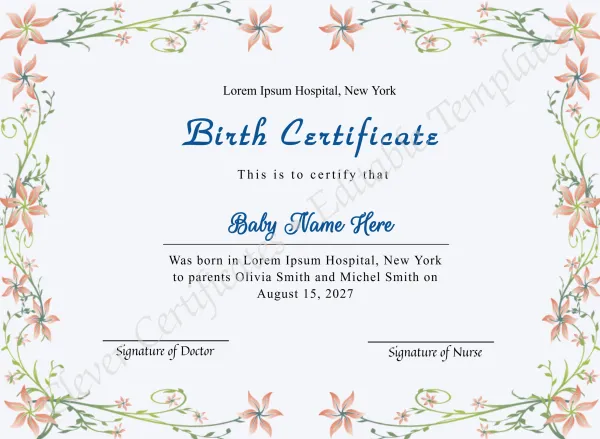
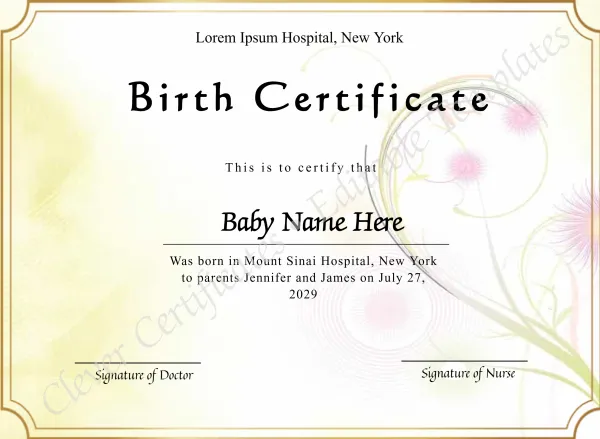
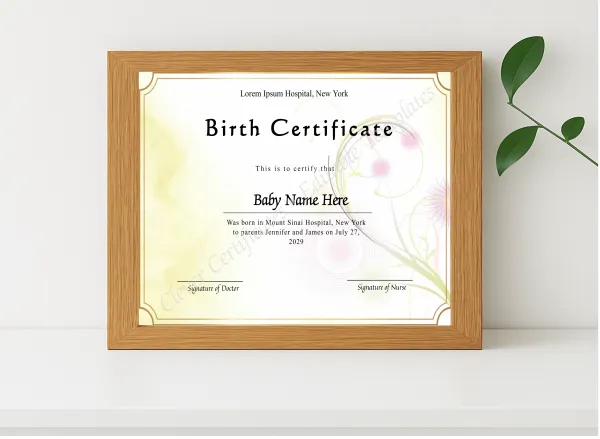
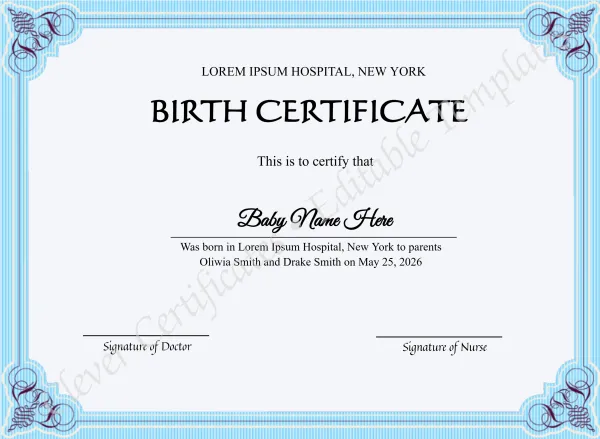
A baby footprints certificate is a keepsake document that records a newborn's birth details alongside a visual of the baby's tiny feet — either a real ink print scanned in, an uploaded photo, or a decorative illustration. It typically includes the baby's full name, date and time of birth, birth weight and length, and optionally the parents' names and a short message or verse. Unlike a birth certificate (which is a legal document), a baby footprints certificate is a personal keepsake — suitable for framing, including in a baby memory book, or giving as a gift. Our editable templates let you produce a professionally designed version in minutes, with no design software required.

Related Templates & Collections

Free Service

🎨 Free Design Help

Our designers will customize your baby footprints & keepsakes certificate for you — free. You only pay when you download.

Get Free Help →

Frequently Asked Questions — Baby Footprints & Keepsakes Certificates

A baby footprints certificate typically includes: (1) the baby's full name; (2) date and time of birth; (3) birth weight and length; (4) the hospital, birthing centre, or home location; (5) the parents' names; and (6) an optional personal message, verse, or dedication. All these fields are fully editable in our templates — add, remove, or rephrase any element to suit your family.

Yes — our editor lets you upload any image, including a photo or scan of your baby's actual ink footprints. Resize and position the image anywhere on the design. You can also use our decorative footprint illustrations if you don't have a photo.

Yes — Clever Certificates supports optional QR verification codes on every certificate. The QR code links to a secure online verification page, turning your baby's footprints certificate into a permanent, shareable digital record of the birth. Family and friends anywhere in the world can scan it to view the details. QR codes are available with and without a subscription.

No — a birth certificate is an official legal document issued by a government authority. A baby footprints certificate is a personal keepsake — a decorative, printable record of the birth that families create to commemorate the day. Our templates are keepsake certificates for personal use, not legal documents.

Editing is completely free — no account needed, no credit card required. Open any template, customize every field including the baby's name, date of birth, weight, and message, and preview at no cost. You only pay when you are ready to download the 300 DPI print-ready PDF, PNG, and JPG files.

A4 or US Letter (8.5 × 11 in) are the most popular sizes. Our PDF download is print-ready at 300 DPI — crisp and frame-worthy. For best results, use card stock (160–200 gsm) and a home printer set to "actual size" with full-bleed enabled, or take the PDF to any photo or print shop.