🎃 Halloween is Oct 31 · 17 days to go — Costume contest, trunk-or-treat and classroom party awards  See templates →

Multilingual Certificate Maker

Pick a certificate template, choose a language, and every line of text is translated in place. Spanish, French, Arabic, Hindi, Chinese and 31 more, with the right fonts and right-to-left text taken care of.

Choose a template
37 languages Free to edit & translate Works on phones 300 DPI print-ready download
One template, any language

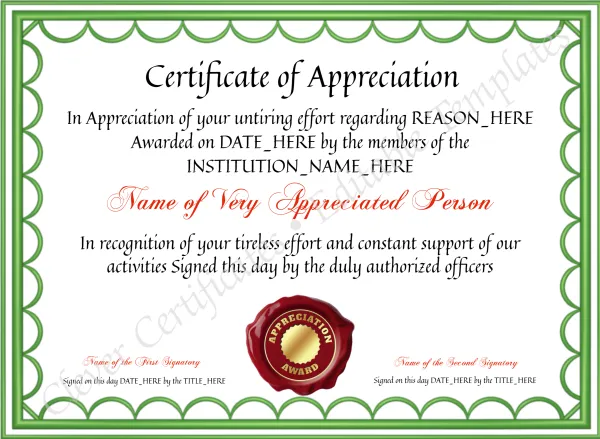
“Certificate of Appreciation”, translated

The translation uses the formal wording people expect on a certificate in each language. It is not a word-for-word swap.

Español
Certificado de Reconocimiento
Otorgado a
Français
Certificat de Reconnaissance
Décerné à
Deutsch
Anerkennungsurkunde
Verliehen an
العربية
شهادة تقدير
يُقدَّم إلى
हिन्दी
प्रशंसा प्रमाण पत्र
प्रस्तुत किया जाता है
日本語
感謝状
贈呈
Português
Certificado de Apreciação
Concedido a
한국어
감사장
수여 대상
How it works

Translate a certificate in three steps

1

Pick a template

Choose any design below, or any of the templates on the site.

2

Choose the language

Click 🌐 Translate all under the preview, or the 🌐 next to a single line. The text changes and the design stays the same.

3

Personalise & download

Type the name, check the wording, and download a print-ready PDF, PNG or JPG.

Start here

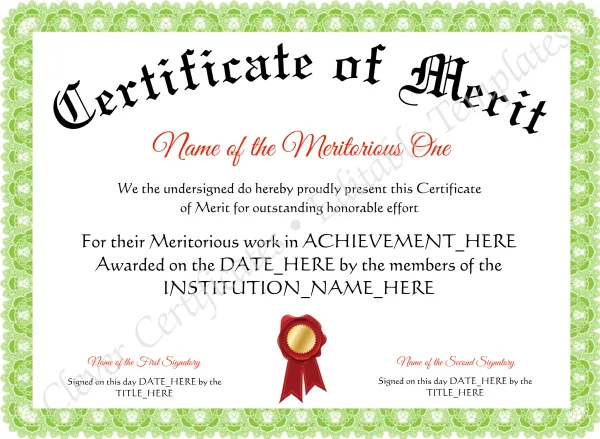
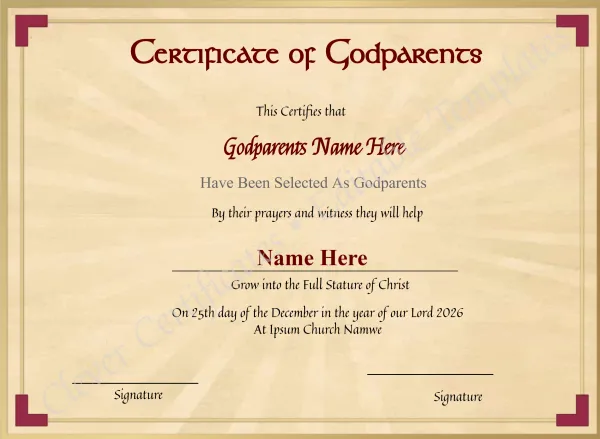
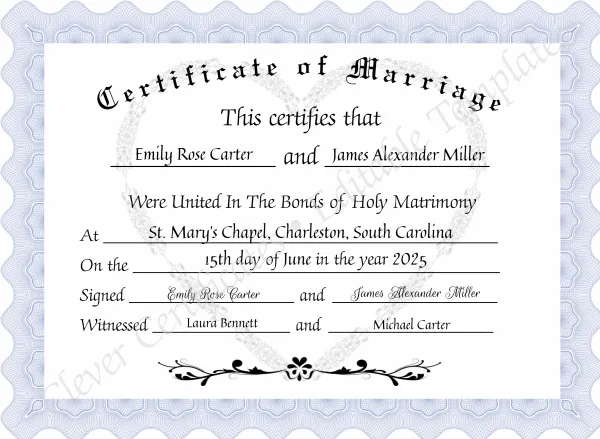
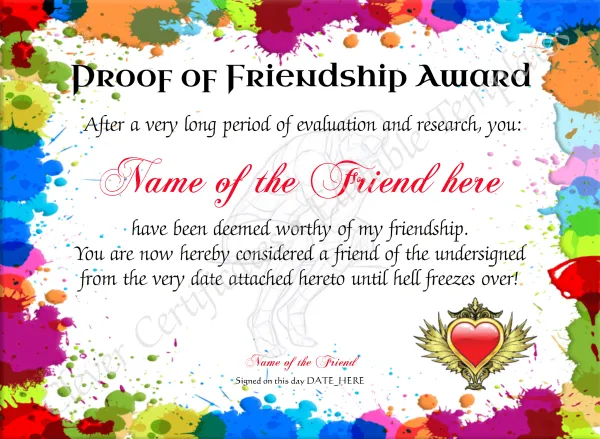
Popular templates, ready to translate

Each template opens in the editor in Español. You can switch language there at any time, including back to English.
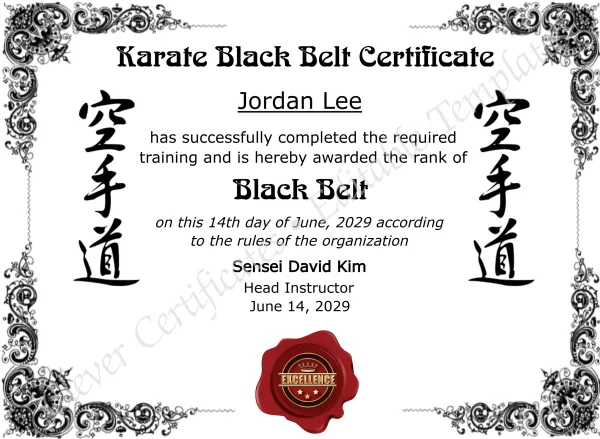
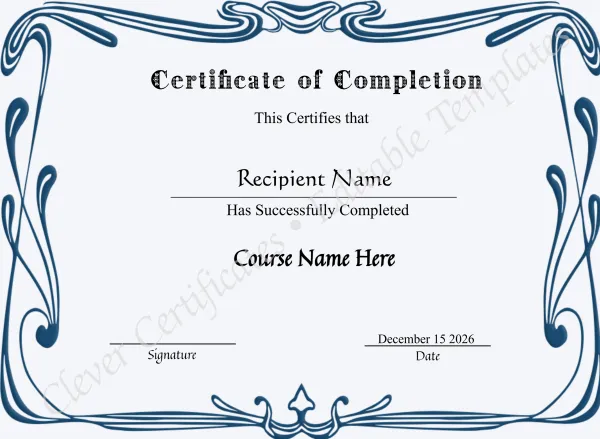
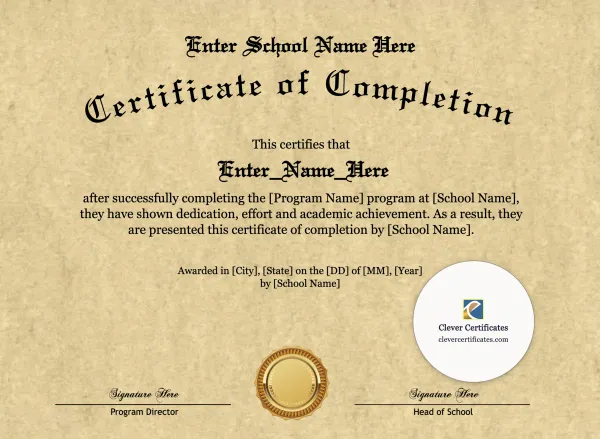
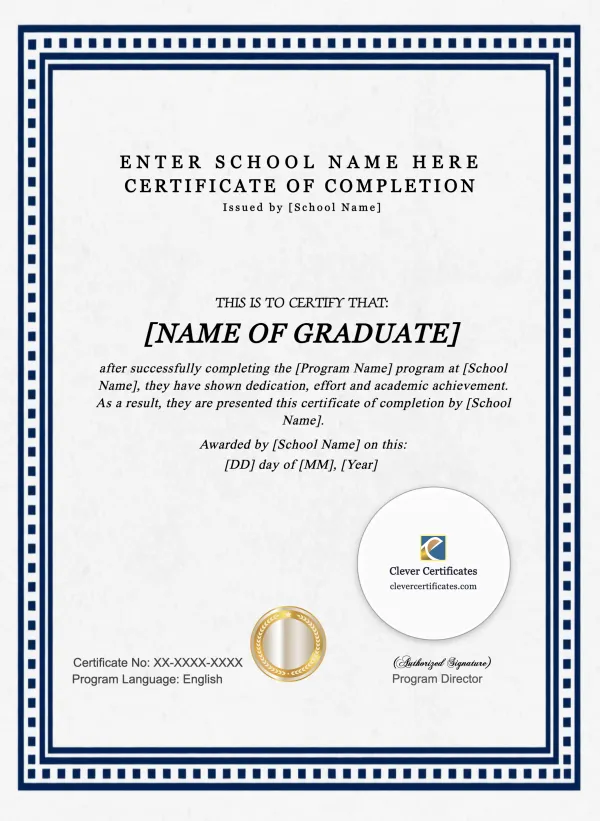
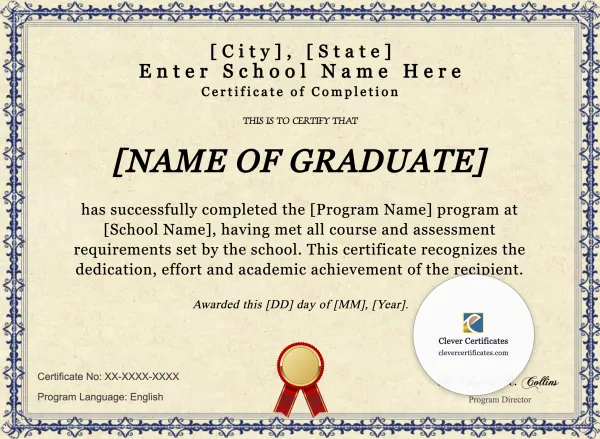
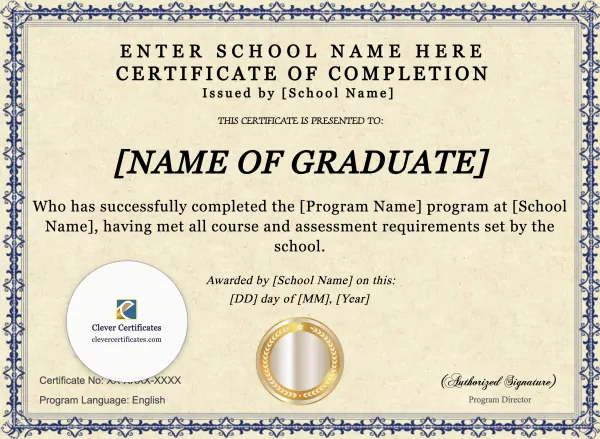
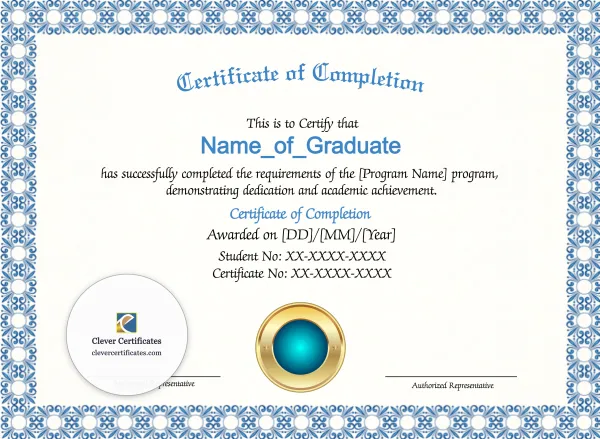
Program completion certificates

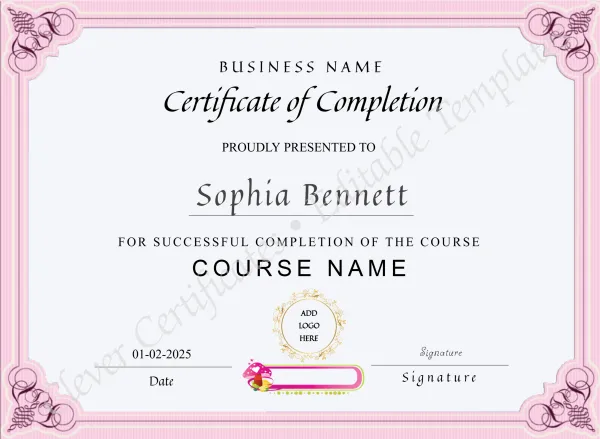
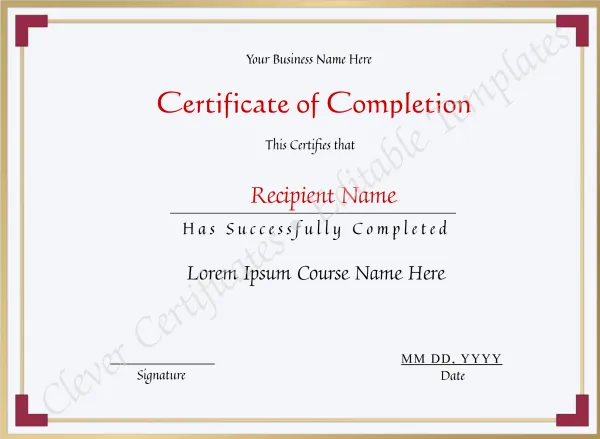
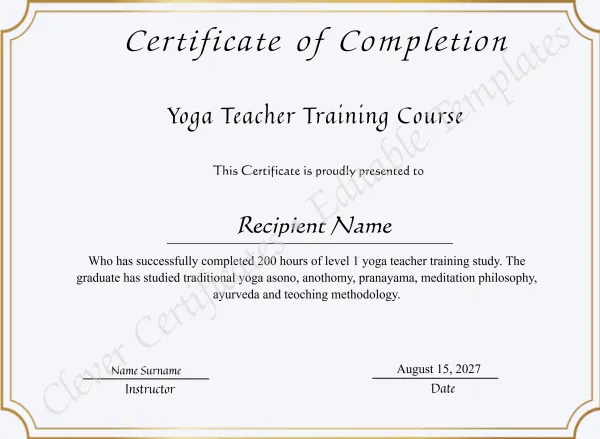
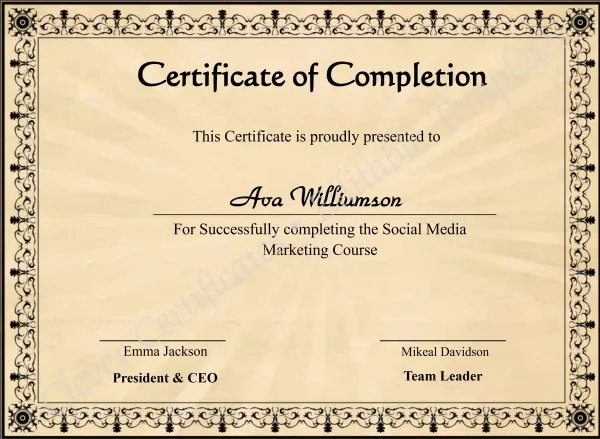
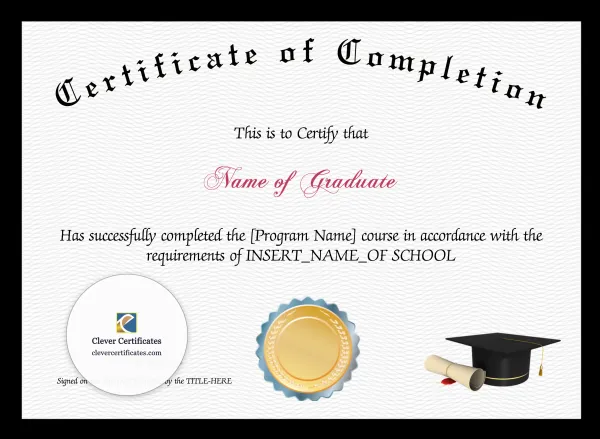
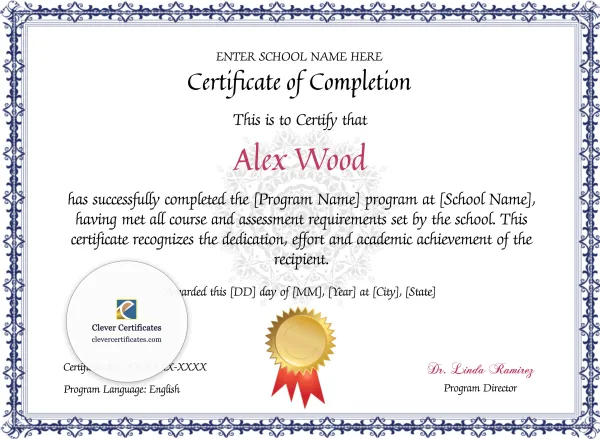
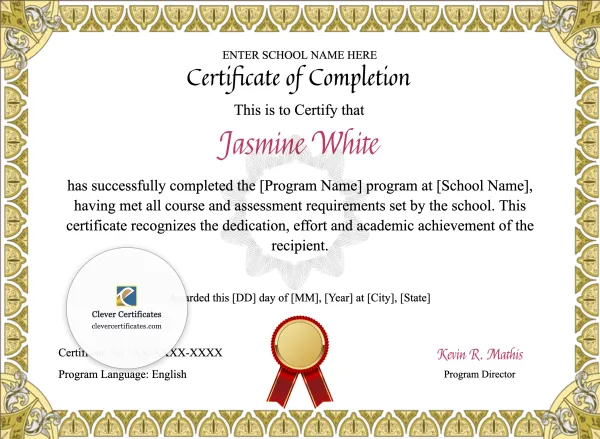
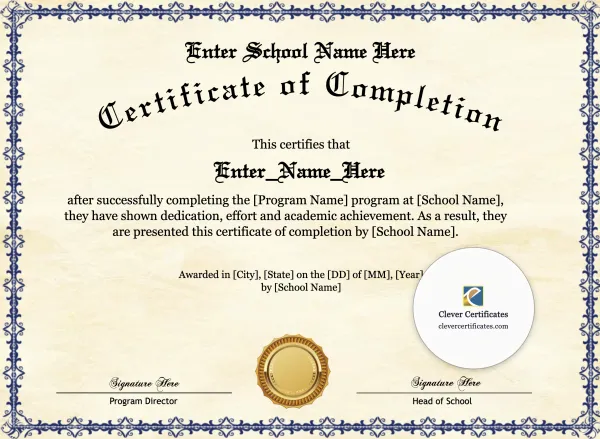
Our most popular completion designs. Translate the whole certificate, or just the title and wording, for students and graduates in any country.
Browse all templates

Every template has the Translate box. Open any design and pick your language.

Languages

37 languages, including right-to-left

Tap a language to use it for the templates above.

Built for certificates

More than a word swap

Fonts for every script

The design font stays where it has the letters, and a matching font is added for Arabic, Hindi, Chinese, Japanese, Korean, Thai, Cyrillic and more.

Right-to-left text

Arabic, Hebrew, Persian and Urdu lines read right to left, with commas and full stops on the correct side.

Fits the frame

Longer translations shrink just enough to stay inside their box, so the layout doesn’t break.

Names stay put

Names, organisations and fill-in placeholders aren’t translated. Months and date wording are.

Every line editable

Change any phrase after translating, switch languages again, or go back to the original text.

Undo anything

Undo and Redo cover translations too, so trying a language costs nothing.

Who uses it

Certificates for people in their own language

FAQ

Questions about translating certificates

Open any template in the editor and click 🌐 Translate all under the preview, then pick a language. Every text box on the certificate is translated in place: the layout, colours, borders and images stay exactly as they were. To translate just one line, use the 🌐 button next to that text field.

Spanish, French, German, Italian, Portuguese, Dutch, Polish, Romanian, Czech, Hungarian, Swedish, Norwegian, Danish, Finnish, Turkish, Indonesian, Malay, Filipino, Vietnamese, Swahili, Afrikaans, Greek, Russian, Ukrainian, Arabic, Persian, Urdu, Hebrew, Hindi, Bengali, Punjabi, Tamil, Thai, Chinese (Simplified and Traditional), Japanese and Korean, and back to English.

No. Translating and editing are free, and so is previewing. You only pay when you download the finished certificate (from $4.50, no subscription or account needed).

Yes. Every line stays editable, so you can adjust a phrase, a title or a date format before you download. Undo puts back the previous version, and choosing English (original) returns the template to its original wording.

Yes. The template’s own font is kept wherever it has the letters. Where it doesn’t (for example Arabic, Devanagari, Chinese, Japanese, Korean, Thai or Cyrillic), a matching Noto font for that script is added automatically, and it is the font you see in the print-ready download.

Arabic, Persian, Urdu, Hebrew are written right to left on the certificate, with punctuation in the right place. One limit: curved (arched) headings are not translated into Arabic, Persian, Urdu, Hebrew, Hindi, Bengali, Punjabi, Tamil, Thai, because curved text is drawn letter by letter. Type the heading yourself, or add it as a straight line of text.

Names of people, schools, companies and teams are kept as they are, and so are fill-in placeholders like “Enter Name Here” or “[Date]”, because you type over them anyway. Month names and wording around dates are translated.

Yes. Translate the certificate, then use + Add to certificate → Text to add the line you want in the second language, or type both languages into the same field (for example “Certificate of Achievement / Certificado de Logro”).

German, French and Spanish are often 20–30% longer than English. Each text box shrinks its font just enough to stay inside its frame, so nothing runs off the certificate.

Yes. The editor and the Translate box work on phones, tablets and computers, with no app to install.

Make your certificate in your language

Choose a template, pick a language and personalise it in a couple of minutes. Editing and translating are free. You only pay when you download.

Choose a template

Related: free certificate maker · free design editor · popular templates