🎃 Halloween is Oct 31 · 12 days to go — Costume contest, trunk-or-treat and classroom party awards  See templates →

Free Online Certificate Editor & Graphic Designer

Customize any certificate template directly in your browser. Live real-time preview, mobile-friendly editing, and instant high-res downloads — no software, no account, no credit card required.

Live Real-Time Preview Mobile-Friendly Instant Downloads No Account Needed No Software Required
What the Editor Does

Everything You Need, Right in Your Browser

Our free online editor is purpose-built for professional certificate design — without any of the complexity of traditional design tools.

100% Free Browser-Based Editing

Edit any certificate template directly in your browser — no registration, no account, no credit card. Just pick a template and start customizing. The editing experience is frictionless by design.

Live Interactive Preview

See changes happen in real time as you type names, dates, and text. Adjust fonts, colors, and borders and watch the certificate update instantly — no refresh, no guessing, no surprises at download. Switch on Drag & drop to move or resize any text or image right on the certificate.

Mobile-Friendly Editing

Design on any device — smartphone, tablet, laptop, or desktop. The editor layout adapts seamlessly to your screen. Perfect for creating certificates on the go at events, dojos, classrooms, and airports.

No Software, Downloads, or Plugins

Zero installation required. No Photoshop, no Illustrator, no desktop app. The editor runs entirely in your browser — open the link, start designing. Works on Chrome, Safari, Firefox, and Edge.

Instant High-Res Downloads

Download your finished certificate as a 300 DPI PDF, PNG, or JPG — print-ready and watermark-free. Files are suitable for professional printing, framing, emailing to recipients, or sharing on social media.

Translate Into 38 Languages

Press 🌐 Translate all under the preview to put the whole certificate into Spanish, French, Arabic, Hindi, Chinese and more, or use the 🌐 by any text field to translate just that line. See the multilingual certificate maker.

Simple Process

Edit a Certificate in 4 Easy Steps

From blank to print-ready in under 60 seconds — no design experience needed.

1

Choose a Template

Browse thousands of professional designs — filter by category, occasion, or use case.

2

Edit in Your Browser

Click any text field and type, or turn on Drag & drop to move and resize text and images right on the preview. The live preview updates as you go.

3

Preview & Perfect

See your certificate exactly as it will appear. Make any final tweaks before you commit to download.

4

Download Instantly

Pay once and download a 300 DPI PDF, PNG, or JPG — print-ready and watermark-free.

Featured Designs

More Free Templates to Edit

A mix of our most-used designs across every category — all free to edit online, no sign up required.

Printable Certificate Of Donation

Printable Certificate Of Donation

Edit Free — No Sign-Up
✓ 100% Free to Customize 📱 Mobile & desktop  •  300 DPI
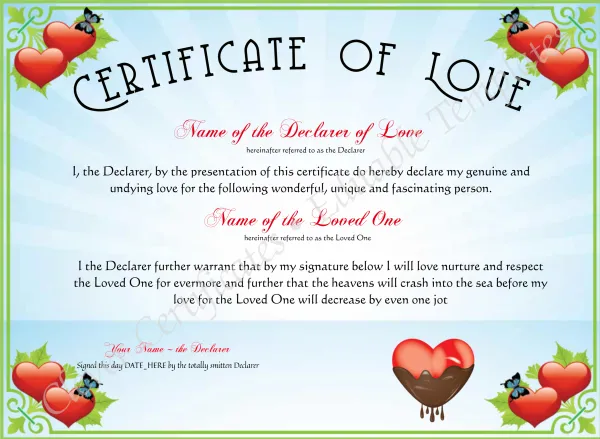
Certificate Of Love

Certificate Of Love

Edit Free — No Sign-Up
✓ 100% Free to Customize 📱 Mobile & desktop  •  300 DPI
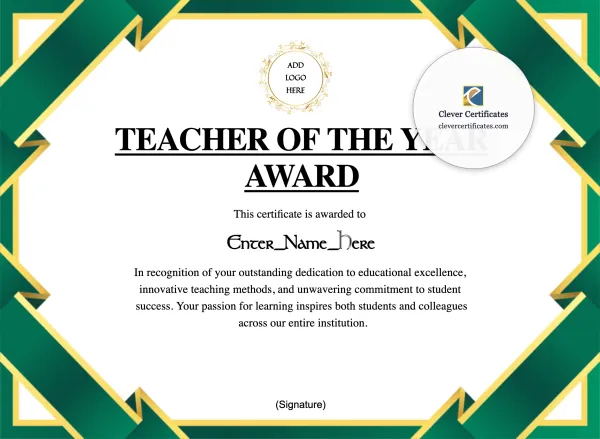
Free Teacher Of The Year Certificate

Free Teacher Of The Year Certificate

Edit Free — No Sign-Up
✓ 100% Free to Customize 📱 Mobile & desktop  •  300 DPI
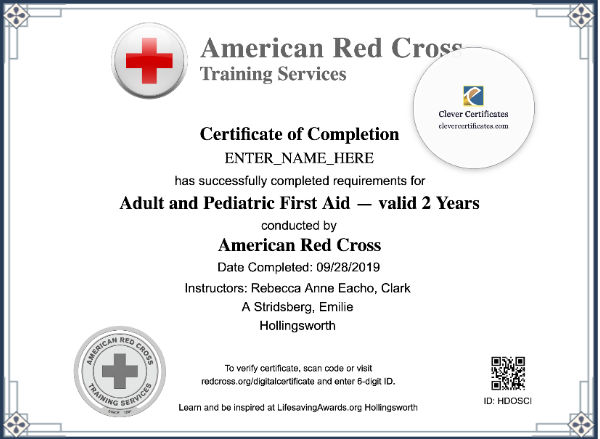
First Aid Certificate Landscape

First Aid Certificate Landscape

Edit Free — No Sign-Up
✓ 100% Free to Customize 📱 Mobile & desktop  •  300 DPI
Free Guideparent or Godparent Appointment Certificate

Free Guideparent or Godparent Appointment Certificate

Edit Free — No Sign-Up
✓ 100% Free to Customize 📱 Mobile & desktop  •  300 DPI
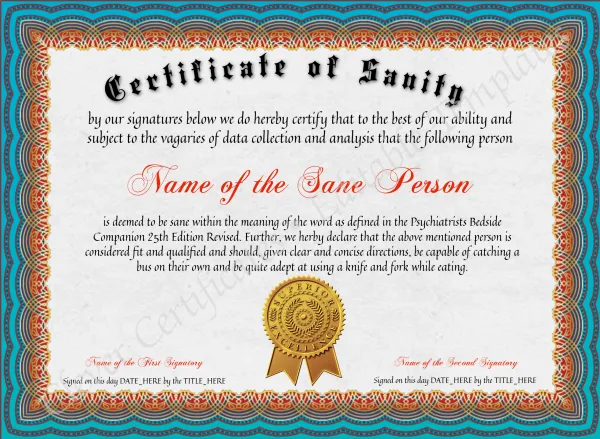
Certificate Of Sanity

Certificate Of Sanity

Edit Free — No Sign-Up
✓ 100% Free to Customize 📱 Mobile & desktop  •  300 DPI
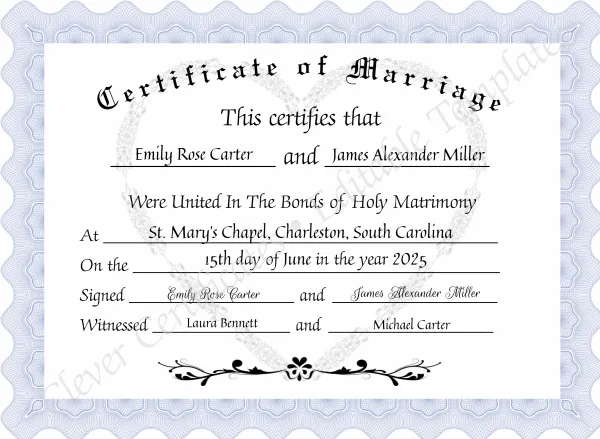
Certificate Of Marriage

Certificate Of Marriage

Edit Free — No Sign-Up
✓ 100% Free to Customize 📱 Mobile & desktop  •  300 DPI
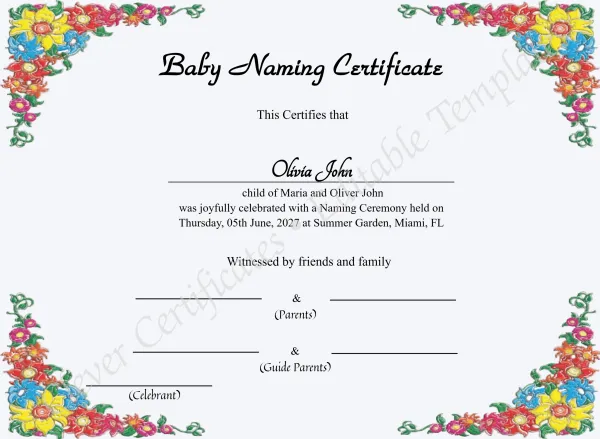
Free Editable Baby Naming Certificate Template (Printable)

Free Editable Baby Naming Certificate Template (Printable)

Edit Free — No Sign-Up
✓ 100% Free to Customize 📱 Mobile & desktop  •  300 DPI
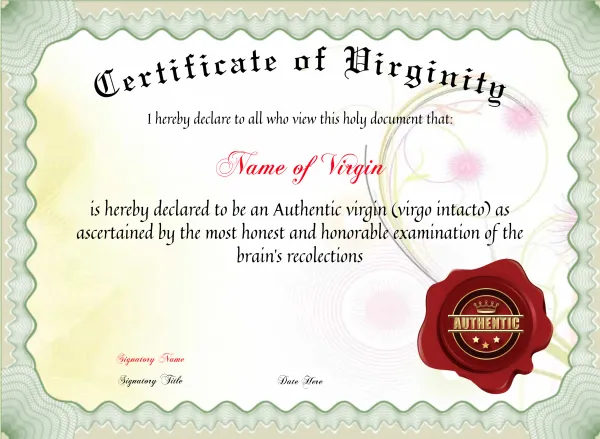
Certificate Of Virginity

Certificate Of Virginity

Edit Free — No Sign-Up
✓ 100% Free to Customize 📱 Mobile & desktop  •  300 DPI
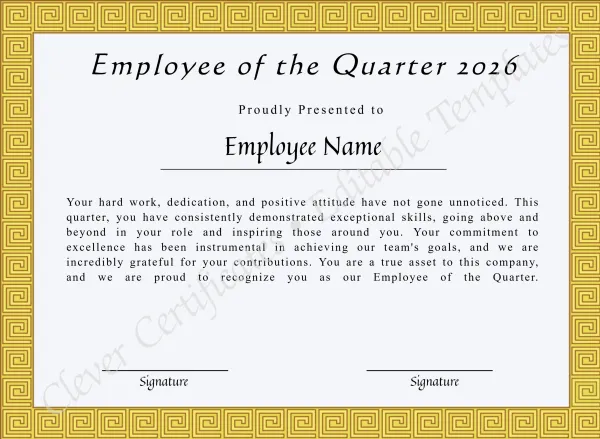
Printable Certificate Of Employee Of The Quarter

Printable Certificate Of Employee Of The Quarter

Edit Free — No Sign-Up
✓ 100% Free to Customize 📱 Mobile & desktop  •  300 DPI
Free Kwanzaa Celebration Certificate

Free Kwanzaa Celebration Certificate

Edit Free — No Sign-Up
✓ 100% Free to Customize 📱 Mobile & desktop  •  300 DPI
Editor Highlights

Professional Results Without the Complexity

Our free online editor was designed for people who need professional-quality certificates fast — without needing design skills, expensive software, or a lengthy learning curve. Pick a template, fill in the details, and download.

Live preview updates as you type — see exactly what you will get
Works on any device — phone, tablet, or desktop, any screen size
No account, no email confirmation, no sign-up barriers
Auto-saves your draft for 30 days — come back anytime
Edit in under 60 seconds from template selection to download
300 DPI print-ready output — PDF, JPG, PNG on download

What you can edit — for free

  • Any text field — recipient name, date, course, title, occasion
  • Certificate borders, background elements
  • Signature and logo placeholder images
  • Multiple text layers simultaneously
  • The language — translate any text into 38 languages
  • Color adjustments on supported templates
Schools & Training Programs

Edit Program Completion Certificates Online

Use our free online editor to customize certificates of completion for adult education, colleges and training programs — no software needed. Browse by state or visit the full hub.

FAQ

Frequently Asked Questions

Common questions about our free online certificate editor.
Yes — editing is 100% free with no account, no sign up, and no credit card required. You can browse templates, customize text, names, dates, and images at zero cost. You only pay when you are ready to download your finished, watermark-free certificate.

The Free Pass lets you claim one certificate template at no extra cost when you start an Issuer subscription ($29.99/mo). That template becomes yours to reissue to unlimited recipients, each with its own QR verification link and 300 DPI downloads, instead of buying certificates one at a time. Want Academy Pro instead? Subscribe directly from the membership page.

Pick any template on the Free Pass page — no email required — then click "Get Unlimited Access" to start your Issuer subscription (from $29.99/mo). That template is included with your plan for unlimited reissues to different recipients, with no extra per-certificate fees. The Free Pass is Issuer-plan only; for Academy Pro, subscribe directly from the membership page.

Yes. Press 🌐 Translate all under the preview to translate every line into one of 38 languages, such as Spanish, French, Arabic, Hindi or Chinese, or use the 🌐 next to one text field to translate only that line. Choose English (original) to go back. Right-to-left languages and non-Latin scripts get matching fonts automatically. More on the multilingual certificate maker page.

Go to clevercertificates.com/free-pass, browse or search for the template you want, and select it. You will then be prompted to start an Issuer subscription (from $29.99/mo), which includes that template for unlimited reissuing at no per-certificate cost. Looking for Academy Pro instead? Subscribe directly from the membership page.

No. Our editor runs entirely in your web browser. No downloads, no plugins, no extensions required. Just open the template in your browser and start editing instantly — on any device.

Yes. The editor is fully mobile-friendly and works seamlessly on smartphones, tablets, laptops, and desktop computers. The layout adapts to your screen size so editing on a phone is just as smooth as on a desktop.

As you type names, change dates, or update any text field, the certificate preview updates in real time — you see exactly what the finished certificate looks like before you download. No reloading, no guessing.

Yes. Turn on Drag & drop with the button at the top-left of the preview, then drag any text or image to move it, or pull a corner handle to resize it. Long names still shrink to fit their box, and Undo takes back any change. Press Done to go back to the form fields. The arrow buttons still work for small nudges.

You can replace or remove any existing image on the template — including logo areas and signature placeholders. To add your brand logo to every certificate you issue and its verification page, upgrade to an Academy Pro subscription, ideal for schools, businesses, academies, and organizations with established branding.

After purchase you receive a high-resolution download in PDF, JPG, or PNG format at 300 DPI — fully print-ready with no watermarks. These files are suitable for professional printing, framing, digital delivery, or sharing on social media.

No. Editing and previewing are always free with no account and no subscription. A subscription is only needed if you want to re-issue the same certificate to unlimited recipients — with the Issuer plan, you can claim one template free and issue it to as many people as you need, each with its own QR verification link. Need Academy Pro instead? Subscribe directly from the membership page.