Free Wedding Officiant Ordination Certificate Templates
 Wedding Officiant Ordination — Landscape
Edit Free →
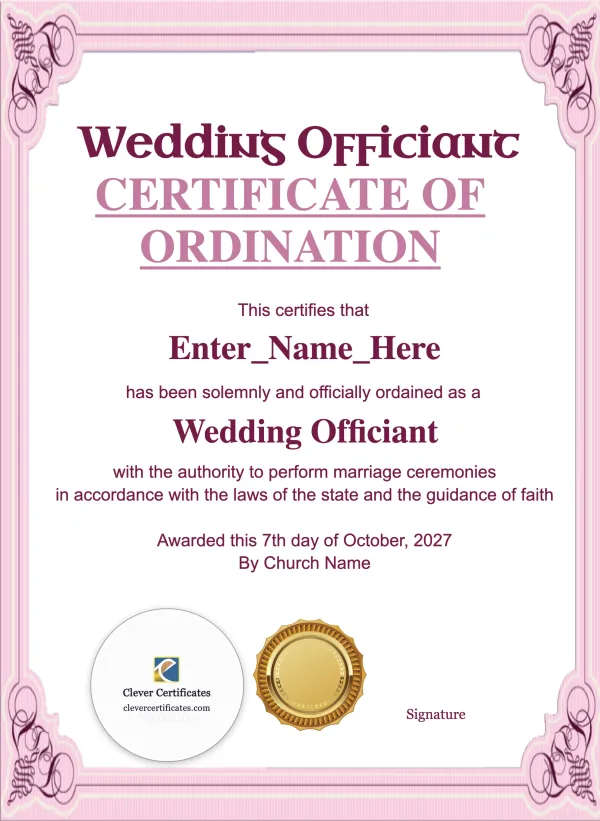 Wedding Officiant Ordination Certificate · Portrait
Edit Free →
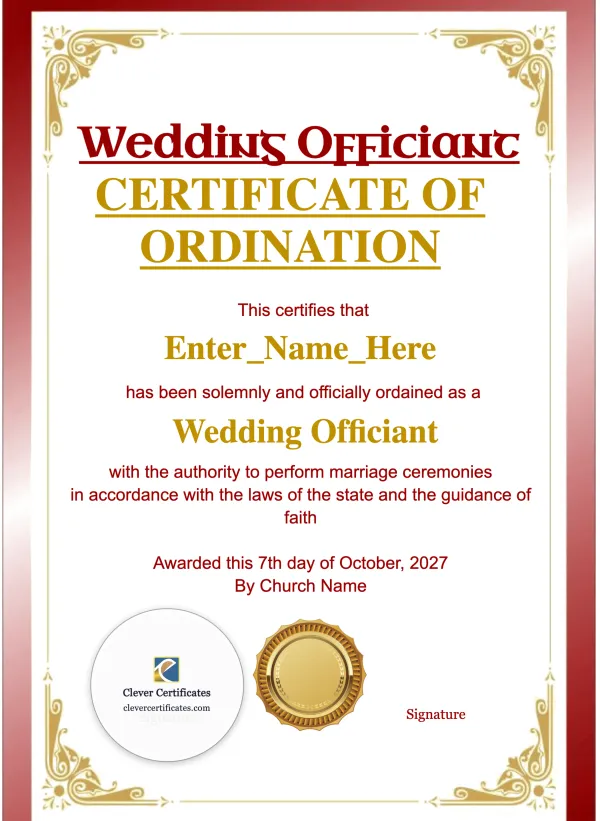 Wedding Officiant Ordination Certificate · Portrait
Edit Free →
Free to edit. Download from $5.00, one-time payment.
Getting ordained to officiate a wedding is one of the most common reasons people seek ordination in the US, UK, Australia, and Canada. Whether you're ordained through an online ministry or your own church, a professionally printed wedding officiant ordination certificate makes a meaningful keepsake of that calling. It is not a marriage licence or proof of legal authority — the ordaining body and your county clerk decide what is needed to officiate. Our free editable wedding officiant certificate templates let you add the officiant's full name, the ordaining church or organisation, the state or country, and the ceremony date, then download a print-ready 300 DPI PDF in minutes.
All templates are fully editable — no design software required — and suit church, interfaith and personal ceremonies alike. They are keepsakes, not a marriage licence or celebrant registration.
Part of our Church Certificate Templates · Ordination · Pastor Appreciation · Baptism · Baby Dedication · Church Appointment
✏️ 100% free to edit — no account needed, no card required. Edit a wedding officiant ordination certificate now →
💒 Wedding Officiant Ordination Certificate Templates
3 templates
What Is a Wedding Officiant Ordination Certificate?
A wedding officiant ordination certificate — also called a certificate of ordination for wedding officiants — is a keepsake a church, denomination or ordination body gives to record that a person has been ordained. It typically includes the officiant's full name, the name of the ordaining church or body, the date of ordination and the signatures of church leadership. It is not a marriage licence, a government registration or proof of legal authority to officiate.
All fields are fully editable in our online editor — change any wording, add your church name and seal, upload scanned signatures, and download a print-ready 300 DPI PDF, PNG, and JPG with no design software needed. Try editing free now — no sign-up required →
What goes on a wedding officiant ordination certificate?
- Wedding Officiant's full name & title
- Name of ordaining church or denomination
- Date of ordination ceremony
- Office or role conferred
- Authorising signatures from church leadership
- Church seal or logo (optional)
- Scripture verse or declaration (optional)
Everything Included With Every Template
Issue Unlimited Wedding Officiant Ordination Certificates
Ordaining multiple wedding officiants this year? With an Issuer subscription, your church can issue unlimited certificates with no per-download fees. Customise once, save the template, and re-use for every ordination service.
for your entire ministry
Frequently Asked Questions — Wedding Officiant Ordination Certificates
Related Ordination Certificates
Other Church Ceremony Certificates
Editable designs for the other services your church holds. Edit free and preview, then download.